
Vendor product catalog
Organize product families, vendor item references, purchase descriptions and the options available for that supplier.
Optional vendor catalog module
Vendor Catalog Price Books lets your company build separate vendor-specific product catalogs with pricing, options and purchasing descriptions. Salespeople use those rules while quoting, and approved vendor-purchased items can be grouped into draft purchase orders for review.
The module prepares purchase orders inside Ledgez for review and approval. Orders are submitted to the vendor through the vendor’s normal ordering process.
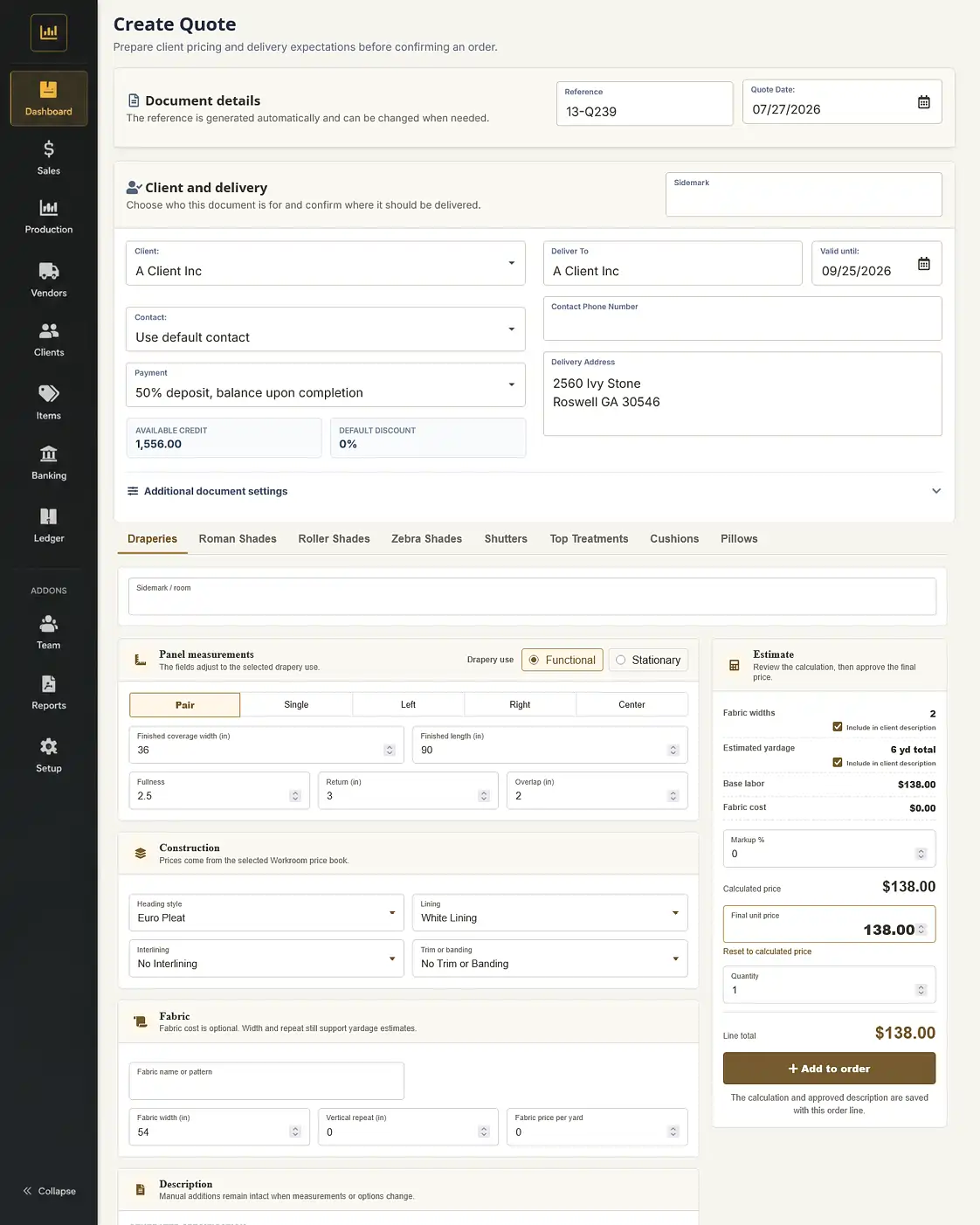
Build each vendor as its own product source
Each vendor price book can reflect the products and choices your company actually sells, without requiring employees to recreate every component on every quote.
Organize product families, vendor item references, purchase descriptions and the options available for that supplier.
Store base prices, fabrics, cassettes, motors, controls, accessories, upcharges and selling rules where supported by the configured catalog.
Catalogs and price rules can be updated by authorized users or through Ledgez configuration services as vendor pricing changes.
A vendor roller-shade catalog can present the dimensions and approved selections your company uses, such as fabric, cassette, motor, remote and other accessories.
Open the configured product from that vendor’s catalog.
Enter dimensions and choose the configured fabric, cassette, motor, controls and accessories.
Ledgez applies the configured pricing and generates the complete quote description.
The vendor source and purchasing information remain attached to the item.
One sales order, two fulfillment paths
When the sales order is approved, Ledgez can route each item according to its configured source rather than relying on the office to reconstruct the purchasing and production lists manually.
Products configured for in-house manufacturing can continue into work orders and the production workflow.
Products configured for outside purchasing can be grouped by vendor into draft purchase orders.
Connected purchasing workflow
After purchase-order approval
The purchase order, receiving activity, delivered customer items, vendor costs and accounting transactions remain part of the same operational record.
Vendor catalog questions
No. The module prepares a purchase order inside Ledgez for review and approval. The approved order is then submitted using the vendor’s normal ordering process.
Yes. Separate catalogs allow each vendor’s products, options, price rules and purchase descriptions to remain organized independently.
Yes. Authorized users can maintain supported catalog information, or Ledgez configuration services can assist with larger price-book updates.
No. The available products, option structure and pricing methods vary by vendor. The configuration scope is reviewed before the catalog is built.
No. Vendor Catalog Price Books is an optional module billed separately from the Professional, Operations or Enterprise plan. Subscription and configuration pricing are confirmed after reviewing the required catalogs.
Bring one vendor product
A useful demonstration can follow a representative shade or other purchased product through configuration, sales-order approval, draft purchase-order preparation and receiving.